How to See Who Someone Recently Followed on Instagram

Instagram used to make it easy. A few years ago, you could tap anyone's follower list and see exactly who they'd just started following — sorted by most recent at the top.
Then Instagram removed that feature. No announcement, no explanation. The chronological follower order just... disappeared.
If you've been trying to figure out who someone recently followed and keep hitting a dead end, you're not imagining it. The feature is gone from the native app. But there is still a way to get that information — and in this guide I'll show you exactly how.
Why Instagram Removed Chronological Follower Order
Instagram's official reason was privacy — giving users more control over how their activity is visible to others.
The result: if you open someone's follower list today, the order appears random. It's actually algorithmically sorted — Instagram shows you accounts it thinks you might know or care about first — but it's not chronological, and there's no filter to change it.
For more on why Instagram made this change, see does Instagram show followers in chronological order.
Can You Still See Who Someone Recently Followed?
Yes — but not through the Instagram app itself.
The Instagram API still exposes follower data. Third-party tools that are built on top of that data can retrieve follower lists and sort them chronologically in ways the native app no longer allows.
This is the only working method in 2026. There are no hidden settings inside Instagram, no workarounds in the app, and no browser tricks that restore the old behavior.
How to See Recent Followers on Instagram (Step by Step)
The easiest way to check who someone recently followed is to use InstaRadar.
Here's how it works:
Step 1: Go to InstaRadar
Open InstaRadar's Follower Tracker in any browser. No account, no login, no app download required.
Step 2: Enter the Instagram username
Type the username of the profile you want to check into the search bar. The profile needs to be public — private accounts cannot be accessed by any tool, including InstaRadar.
Step 3: View followers in chronological order
InstaRadar retrieves the profile's follower list and displays it sorted by most recent first. You'll see exactly who started following them recently, in order — the way Instagram used to show it natively.
That's it. The whole process takes about 30 seconds.
What You Can (and Can't) See
It's worth being clear about what this method shows:
You can see:
- Who is currently following the profile, sorted by most recent first
- When approximately those followers were added (relative recency)
- Public profile information for each follower
You cannot see:
- Followers of private accounts
- Exact timestamps of when each follow happened
- Accounts that followed and then unfollowed
If the profile you're checking is private, no third-party tool can access their follower data — that's a hard limitation set by Instagram's API, not a limitation of any specific tool.
Is It Safe and Private?
Using InstaRadar is completely anonymous. The person whose profile you're checking has no way of knowing you looked. Instagram does not notify users when their public follower list is viewed by a third party.
Your own Instagram account (if you have one) is never involved. You don't log in, you don't connect anything, and there's no data shared between your account and the search you're running.
Why Would You Want to Check This?
The most common reasons people look for this information:
Relationship concerns. One of the most searched questions related to this topic is some variation of "how do I see who my boyfriend or girlfriend recently followed." Chronological follower data can provide context when something feels off.
Monitoring a competitor or brand. Businesses sometimes want to track which accounts a competitor is following, as a signal of who they're targeting or partnering with.
Keeping track of your own account. InstaRadar also works for monitoring your own profile — seeing who your newest followers are in order, which is useful for engagement and outreach.
General curiosity. Sometimes there's no deep reason. You just want to see the information Instagram used to show for free and decided to hide.
Frequently Asked Questions
Does this work for private Instagram accounts?
No. Private accounts control who can see their follower data. No tool — including InstaRadar — can access follower lists for private accounts. This is an Instagram API restriction, not a limitation of any specific service.
Do I need an Instagram account to use InstaRadar?
No. InstaRadar works entirely without a login. You don't need to connect your Instagram account or create any account on InstaRadar to run a search.
Will the person know I checked their followers?
No. Viewing a public profile's follower list through InstaRadar is completely anonymous. The account owner receives no notification.
Is this different from seeing who someone is following?
Yes — followers are people who follow the account. Following is who the account follows. InstaRadar shows both, but this guide specifically covers the followers list sorted chronologically.
The Bottom Line
Instagram removed chronological follower ordering a few years ago, and there's no way to restore it through the native app. If you want to see who someone recently followed, a tool like InstaRadar is the only practical option in 2026.
It takes about 30 seconds, requires no login, and works anonymously on any public Instagram profile.
Related articles
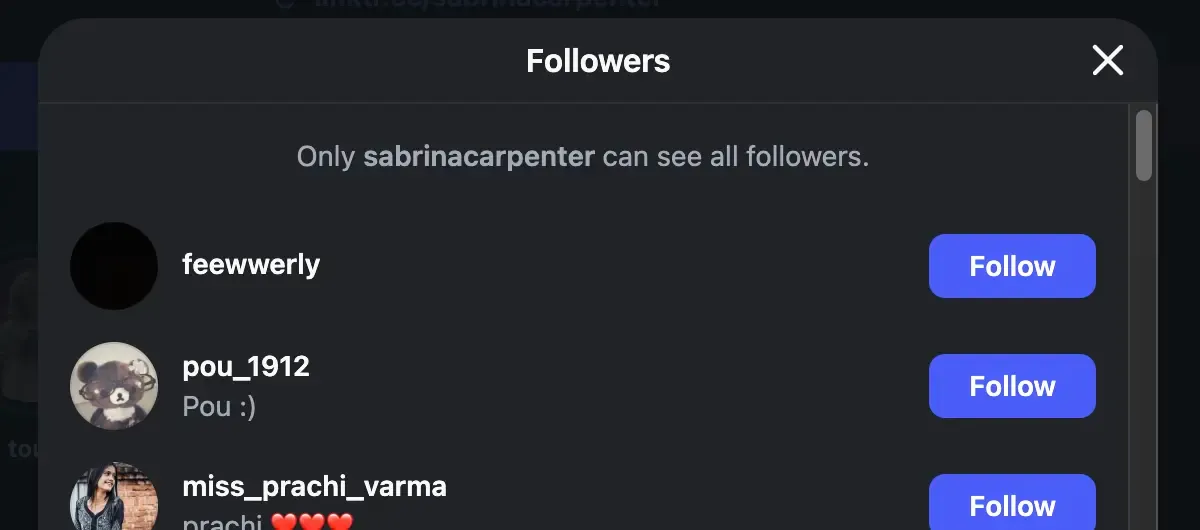
Does Instagram Show Followers in Chronological Order?
Instagram used to sort followers chronologically — but that changed. Here's what actually happens to your follower list today, and how to get the order back.
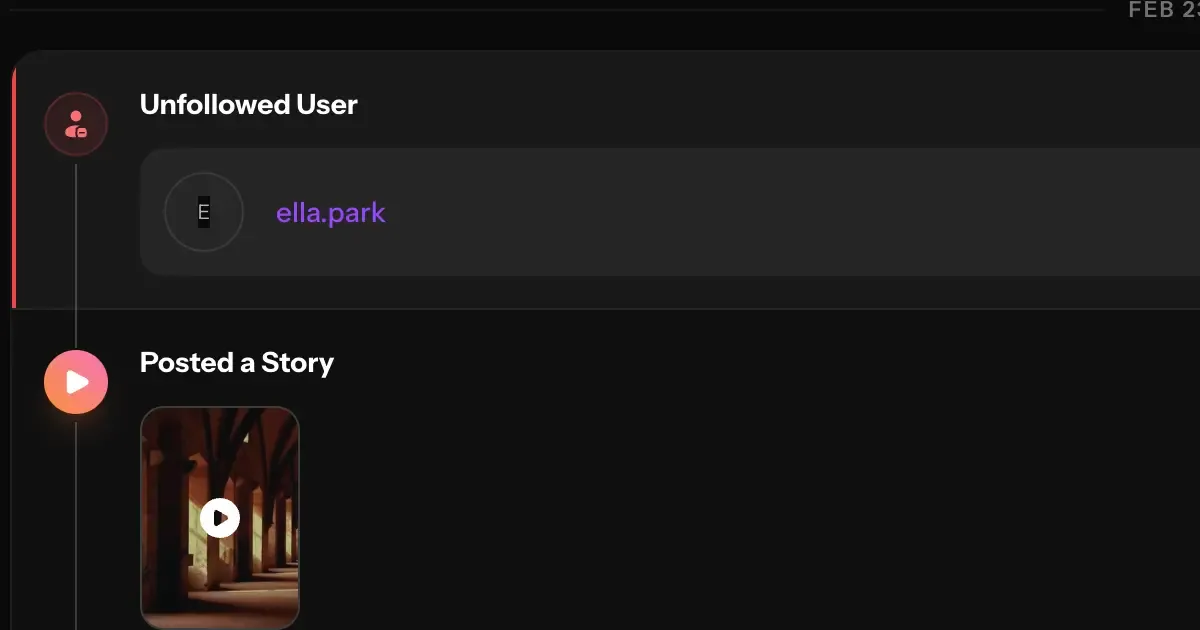
How to Tell If Someone Unfollowed You on Instagram
Instagram doesn't notify you when someone unfollows you. Here's how to actually find out — and how to get alerts when it happens in the future.