How to See Who Someone Follows Back on Instagram
Some people follow thousands of accounts. That doesn't mean much. What actually means something is who follows them back.
If a popular girl has 8,000 followers but only follows 200 people back, those 200 matter. They're not random. They're the people she chose. And if your crush, your ex, or your partner is one of those accounts with a carefully curated following list, knowing who makes the cut tells you a lot more than the follower count ever could.
Instagram doesn't give you a way to see this. You can open someone's following list, but there's no filter, no way to sort by mutual, no way to quickly see who follows them back. You'd have to click into every single account and check individually.
InstaRadar's Mutual filter does this automatically on any public profile.
What "Follows Back" Actually Means
When someone follows an account and that account follows them back, Instagram calls that a mutual connection. Both sides are following each other.
For most people scrolling Instagram this is invisible. You see a following list, but you have no idea which of those accounts follow back and which don't. Instagram mixes them all together in a random algorithmic order that tells you nothing.
The mutual filter separates them. It shows you only the accounts where both sides follow each other, pulled out from the full list, sorted chronologically.
Why This Is More Revealing Than It Sounds
Think about it from the other direction. If someone follows 3,000 accounts, a lot of that is noise: brands, celebrities, random accounts they followed years ago. But the people who follow them back, and who they follow back in return, tend to be actual connections. People they know, people they talk to, people they care about keeping in their feed.
That's why the mutual list is interesting in relationship contexts. It's not about who follows them in general. It's about the reciprocal connections, the ones where both people actively chose each other.
If your boyfriend follows someone you don't recognize and that person follows him back, that's a different situation than him following a celebrity who has no idea he exists. The mutual filter makes that distinction immediately visible.
How to Check on InstaRadar
Go to InstaRadar, enter the username of the profile you want to check, and open the Following tab. Apply the Mutual filter and you'll see every account they follow that follows them back, sorted by most recent first.
You can also flip the sort order to oldest first if you want to see which mutual connections go back the furthest. Sometimes that's just as telling as the new ones.
The search bar works inside the filtered list too. If you have a specific person in mind and want to know whether they and the profile you're checking follow each other, search for that username directly. Instagram's own search inside follower lists is unreliable and often returns nothing even when the account is clearly there. InstaRadar searches the full loaded list so the results are accurate.
The account owner has no idea you checked. It works on any public profile.
What You Can't See
If the account is private, none of this is accessible. Private accounts hide their follower and following lists entirely and no tool can retrieve that data.
If the account is public but the person you're searching for within the list doesn't show up, it means they don't follow each other.
Frequently Asked Questions
Can they tell if I check their mutual followers?
No. InstaRadar retrieves public profile data without logging into Instagram on their behalf. The account owner receives no notification and there's no trace that you looked.
Does this work on private accounts?
No. Private accounts don't expose their follower or following lists publicly. InstaRadar works on any public profile.
What if I want to check if a specific person is in their mutual list?
Use the search bar inside the Mutual filter on InstaRadar. Type the username you're looking for and it will tell you immediately whether they follow each other.
Can I see when two people started following each other?
Not the exact date, but InstaRadar shows the mutual list in chronological order so you can see roughly when a connection appeared relative to others. If someone shows up near the top they were added recently. If they're near the bottom the connection is older.
If you want exact dates, that's what the tracking feature is for. Once you add a profile to your tracking list, InstaRadar monitors it and notifies you the moment a new mutual connection appears. See all plans →
Does the mutual filter work on the Followers tab too?
Yes. You can apply the Mutual filter on both the Following tab and the Followers tab. On the Followers tab it shows you which of their followers they also follow back.
What plan do I need?
The Mutual filter is available on the Follower Lookup add-on, Basic, and Pro plans. See all plans →
Related articles

How to See Who Someone Recently Followed on Instagram
Instagram no longer shows followers in chronological order — but there's still a way to check. Here's exactly how to see who someone recently followed.
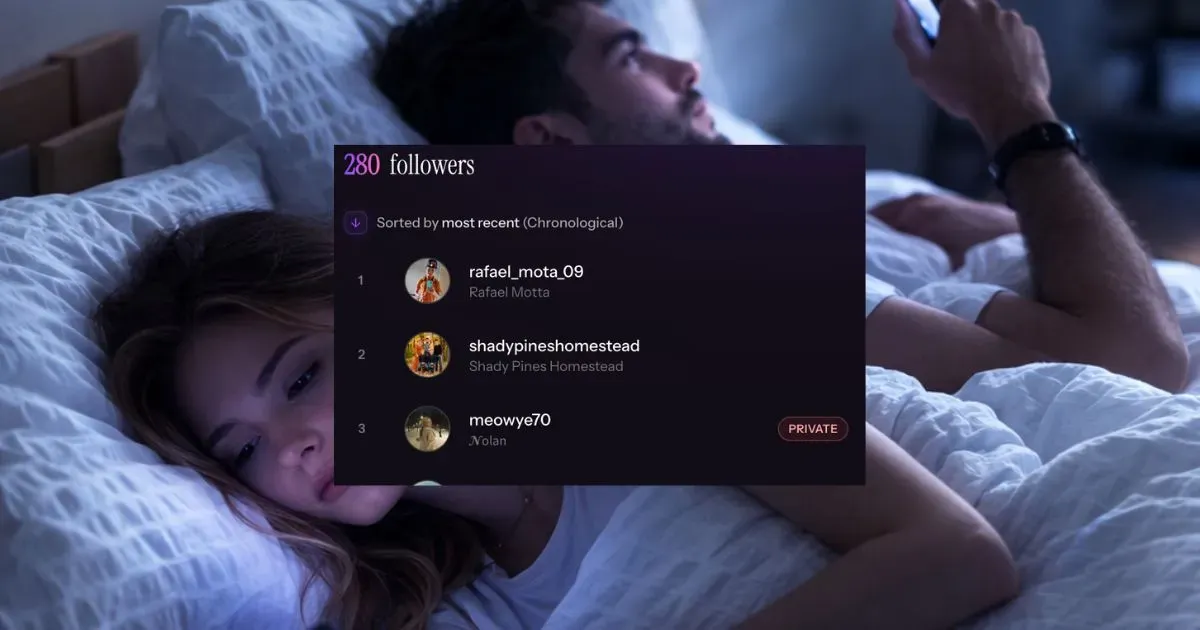
Is My Boyfriend/Girlfriend Following Someone New on Instagram? (How to Check)
Wondering if your partner recently started following someone new on Instagram? Here's how to actually check — and how to get notified when it happens again.